compare
GitDesktop vs GitKraken
GitDesktop is a free, open-source GitKraken alternative built for the private repositories that GitKraken's free plan locks out. No vendor account, no per-seat plan, no AI credit meter. The pull-request loop (review, approve, merge, CI) stays in the app across GitHub, GitLab, and Bitbucket, and AI runs on your own keys, your own subscriptions, or your own hardware — or stays hidden entirely.
Verified against GitKraken Desktop 12.5.0 (current release, dated September 15, 2026) and GitKraken's help center and plan pages on September 30, 2026. Something stale? Open an issue.
Where GitKraken still wins
- The commit graph. GitKraken's signature feature, and often the whole reason a team picks it. GitDesktop deliberately ships a searchable history list instead; if you think in graphs, GitKraken is the tool for it.
- Multi-repo Workspaces and Launchpad. Named groups of repositories with cross-repo actions, and one board of PRs, issues, and WIP across forges and trackers. GitDesktop's My work inbox gathers your open PRs and issues across repositories, but has no repo groups, cross-repo actions, WIP, or Jira and Trello items. (Launchpad's Team View needs GitKraken's Advanced tier or higher.)
- It reaches into your editor. GitLens puts GitKraken inside VS Code, Cursor, Windsurf, Trae, and Kiro. GitDesktop is its own window.
- Forge and tracker breadth. Azure DevOps and Bitbucket Data Center on the forge side; Jira Data Center and Trello on the tracker side. GitDesktop stops at GitHub, GitLab, Bitbucket Cloud, and Jira Cloud.
- Agent breadth and controls. Six agent CLIs including Gemini and Cursor, per-repo setup commands that prepare a fresh worktree before each session, and in-app allow/deny prompts for Claude Code, Codex, and Copilot permission requests. GitDesktop answers with container sandboxing, plan mode, research mode, and best-of-N runs that fan one task out to several agents, but the breadth is theirs.
- The enterprise motion. SSO, on-premise options, and org-level AI governance, for teams that need controls above the individual seat.
Feature by feature
Both clients cover the fundamentals: clone, stage by file, hunk, or line, commit, branch, stash, sync, resolve conflicts, rebase interactively. The table keeps to where they diverge, in both directions.
| Capability | GitKraken | GitDesktop |
|---|---|---|
| Where you can use it | ||
| Private repositories on the free plan | No — the Community plan covers public GitHub & GitLab repos only | Yes — free on any repository; there is no paid plan |
| Self-hosted forges without a paid tier | No — self-hosted integrations need paid tiers; GitLab Self-Managed is Pro+ | Yes — GitHub Enterprise & self-managed GitLab via gh and glab |
| Works without a vendor account | No — every plan on its pricing page runs through a GitKraken account; only the separate on-premise editions skip it | Yes — sign in only to the forges you use |
| Forges | Yes — GitHub (+ Enterprise), GitLab (+ Self-Managed), Bitbucket (+ Data Center), Azure DevOps | Yes — GitHub, GitLab & Bitbucket Cloud — Bitbucket issues via linked Jira |
| Pull requests | ||
| Approve or request changes in-app | No — review happens on gitkraken.dev, in the browser | Yes — on all three forges; thread resolution on GitHub & GitLab |
| Line-anchored review comments | Partial — view & suggest only; its GitHub docs say full in-app review and commenting are not available | Yes — single lines or dragged ranges (ranges on GitHub & GitLab); drafts batch and survive a restart |
| Apply a reviewer's suggestion locally | No | Yes — straight to your working tree |
| Merge a PR in-app | Yes | Yes — merge & squash on all three; rebase (GitHub), fast-forward (Bitbucket) |
| Stacked PRs | No | Yes — create, extend & dissolve stacks (GitHub); MR chains detected (GitLab) |
| Local PRs with no remote at all | No | Yes — review & merge offline, promote to GitHub, GitLab, or Bitbucket later |
| CI, releases & findings | ||
| Browse & control CI runs | Partial — build status on PRs and branches | Yes — an Actions tab: re-run, cancel, dispatch, failed-step logs inline |
| Debug a failed CI run with AI | No | Yes — the failing step's log, explained in-app |
| Publish releases | No | Yes — create, edit & upload assets (GitHub & GitLab) |
| Security findings in-app | No | Yes — Dependabot alerts, advisories, code & secret scanning (GitHub); SAST, secrets & code quality (GitLab); Code Insights reports (Bitbucket) |
| Issues & trackers | ||
| Issue trackers | Yes — GitHub, GitLab, Jira & Trello; on the free plan Jira & Trello are view-only and GitHub & GitLab issue edits cover public repos only | Yes — GitHub & GitLab in-app (sub-issues & dependencies on GitHub, related issues on GitLab); GitHub Projects boards; Jira Cloud linked per repo; local issues too |
| GitHub Discussions | No | Yes — create, comment, react, mark answers, close & lock |
| History & safety | ||
| Commit graph | Yes — the signature feature | No — history is a searchable list, by design |
| Predict a merge before running it | Partial — conflict alerts vs a configured target branch (Pro+) | Yes — fast-forward / clean / conflicts, previewed in memory (Git 2.38+) |
| Ask before a pull drops your commits | No | Yes — a rebase pull that would drop pushed commits stops and names them |
| Operation journal & crash recovery | No — single-step undo of the last action | Yes — risky operations are journaled and recoverable |
| Recover dropped stashes | No | Yes — a git fsck scan finds and restores them |
| Git-flow | Yes — built in | No |
| Git LFS UI | Yes | No — system git-lfs works; no dedicated UI |
| AI — your keys or their credits | ||
| AI without a paid plan | No — its help center: GitKraken AI requires a paid subscription | Yes — your own keys, local Ollama, or keyless CLI agents |
| Unmetered | No — weekly AI credit caps per user, by tier | Yes — no credits anywhere in the app |
| Bring your own key | Partial — supported, but the paid plan still applies and some AI credits are still drawn | Yes — Anthropic, OpenAI, Google AI Studio, OpenRouter, Ollama Cloud, or an OpenAI-compatible endpoint |
| AI code review & security audit in-app | No — AI review lives on gitkraken.dev | Yes — on a dedicated review model, postable as a PR comment |
| Keep files out of AI context | No | Yes — gitignore-style AI-ignore patterns |
| Hide every AI surface | Partial — a local GitKraken AI disable; not a whole-app hide | Yes — one setting; automations pause with it |
| Coding agents | ||
| Delegate to agents in parallel worktrees | Yes — Claude Code, Codex, Copilot, Cursor, Gemini & opencode | Yes — Claude Code, Codex, Copilot & opencode |
| Container-sandboxed agent sessions | No — worktree isolation only | Yes — opt-in Docker or Podman per session |
Every GitKraken cell was checked against GitKraken's own release notes, help center, and plan pages on the date above. Rows where both clients are simply fine were left out on purpose. Also compared: GitDesktop vs GitHub Desktop, GitDesktop vs Sourcetree, and GitDesktop vs Tower — or see all comparisons.
The part GitKraken hands to the browser
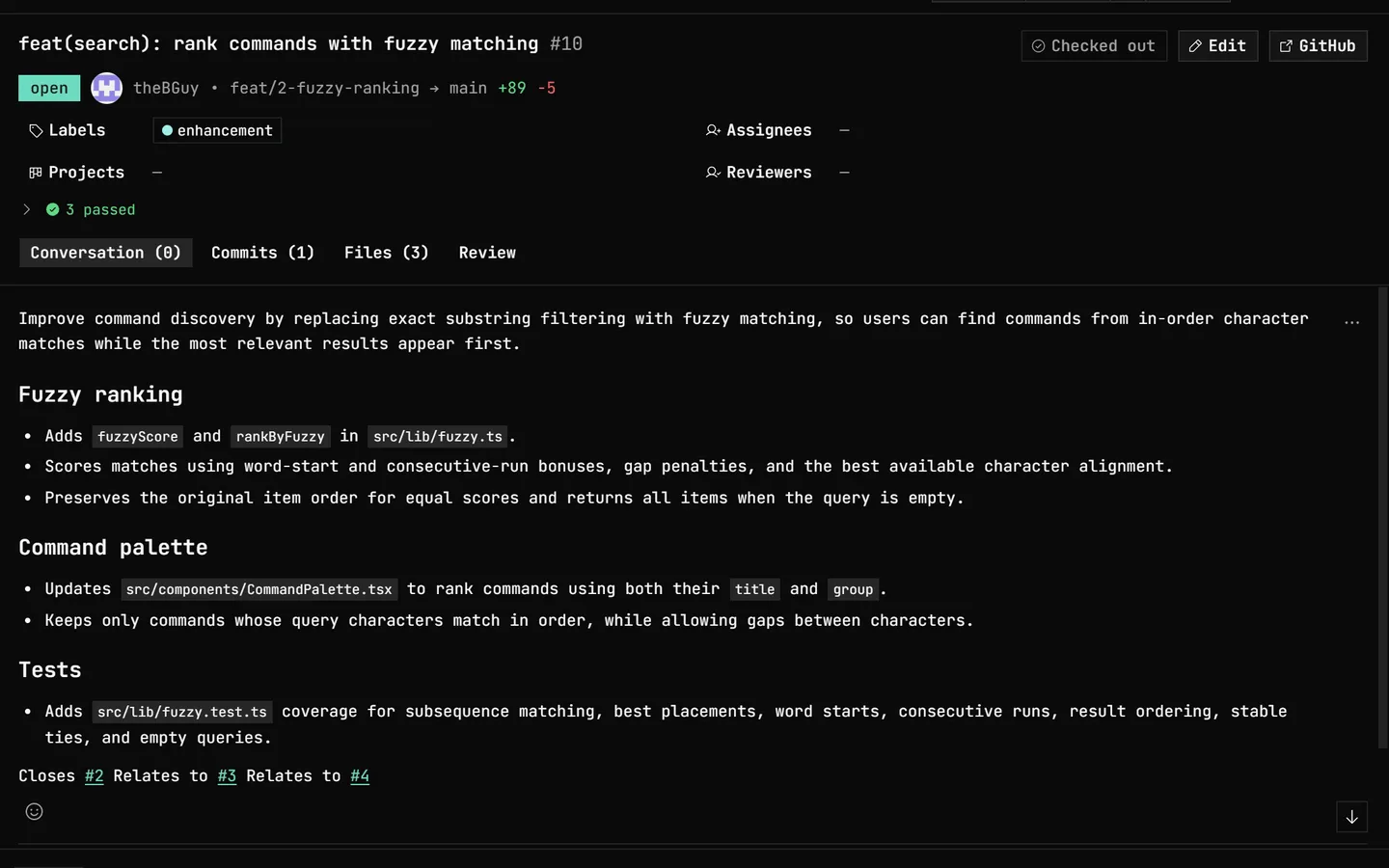
GitKraken's own 12.3 release notes: "The in-app pull request review mode has been replaced with links to a more full-featured review experience on gitkraken.dev." In GitDesktop that experience never left the app — conversation, line comments, approval, and the merge sit next to your staging and history, on GitHub, GitLab, and Bitbucket.
Common questions
Is GitDesktop a free GitKraken alternative?
For the Git and forge loop, yes. GitDesktop is free, open source (Apache-2.0), works on private repositories, needs no vendor account, and keeps pull-request review, CI, and issues in the app across GitHub, GitLab, and Bitbucket (on Bitbucket, issues go through a linked Jira project). It does not have GitKraken's commit graph, multi-repo Workspaces, or GitLens editor presence, and its My work inbox of your open PRs and issues across repositories covers only part of Launchpad — the sections above count both directions.
Is GitKraken free for private repositories?
No. GitKraken's integration docs limit the free Community plan to public GitHub and GitLab repositories; self-hosted servers such as GitLab Self-Managed need a paid tier, and Jira and Trello issues are view-only. Working on private repositories means a per-seat subscription. GitDesktop has no repository-visibility restriction and no paid plan.
Does GitKraken AI work without a paid plan?
No. GitKraken's help center states that GitKraken AI requires a paid GitKraken subscription, usage is metered in weekly credits per user, and bringing your own API key keeps the plan requirement and still draws some credits. GitDesktop's AI runs on your own Anthropic, OpenAI, Google AI Studio, OpenRouter, or Ollama Cloud key, an OpenAI-compatible endpoint, a local Ollama model, or a keyless CLI agent such as Claude Code — unmetered, and hidden entirely by one setting if you want no AI at all.
Can GitKraken approve pull requests in the desktop app?
No. Since version 12.3, GitKraken Desktop links out to gitkraken.dev for code review — its GitHub integration docs say full in-app code review and commenting are not available. GitDesktop runs the whole review in the app on GitHub, GitLab, and Bitbucket: line-anchored comments, suggestions applied to your working tree, approve or request changes, and the merge.
Try the whole loop.
Free, open source, and nothing to sign up for. Keep GitKraken installed; GitDesktop needs no migration, no account, and no seat.